


88 VPN XAPK
- Version
- 2.0.1
- Size
- 20.6 MB
- Category
- Tools
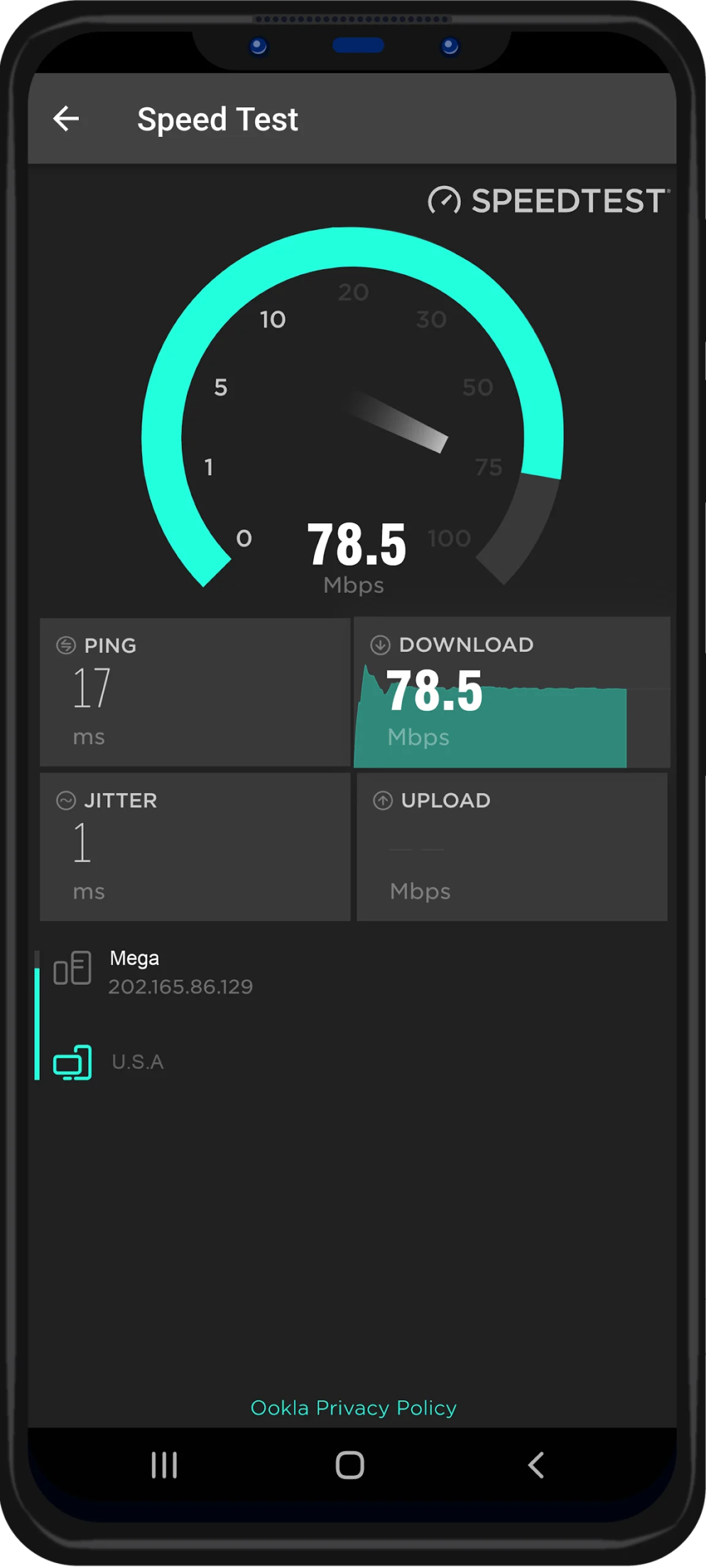
Screenshots
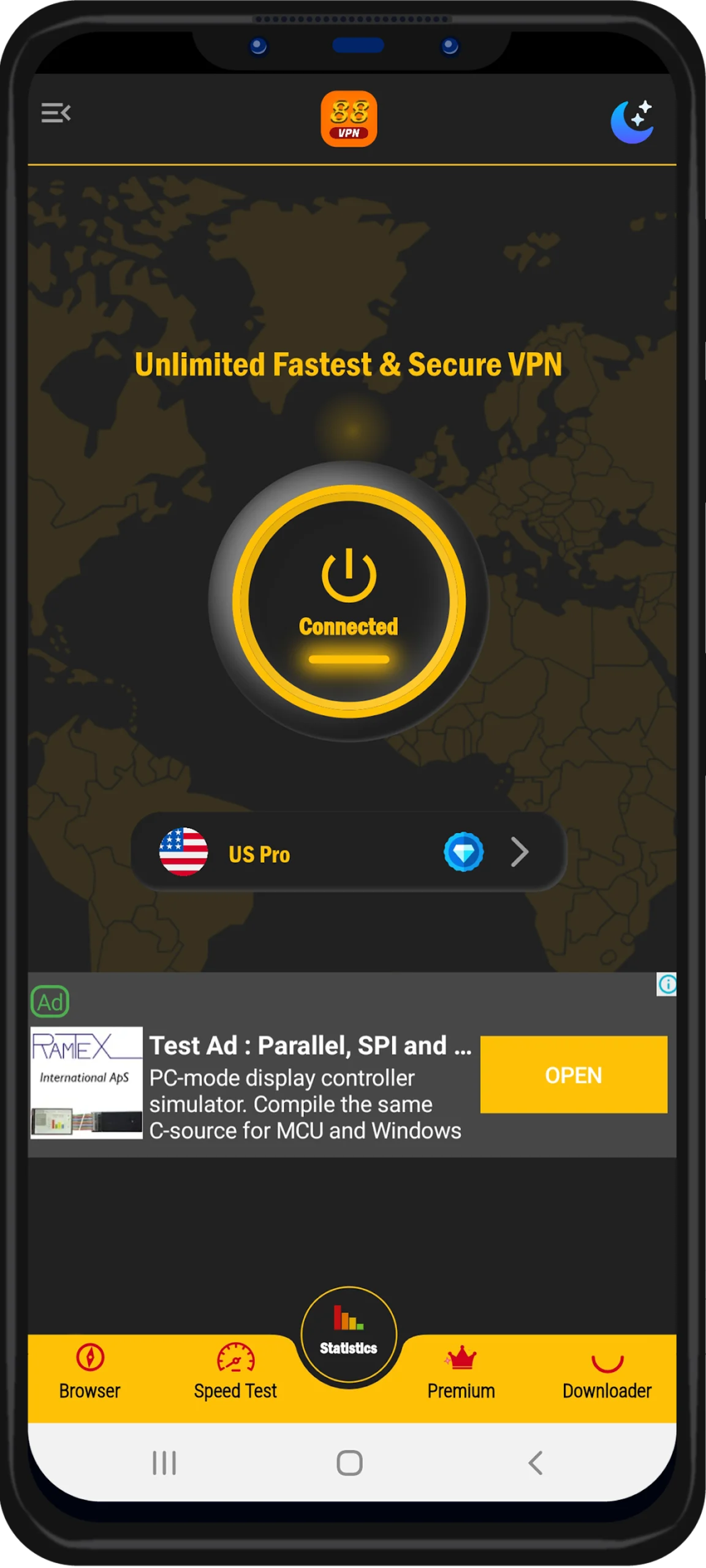
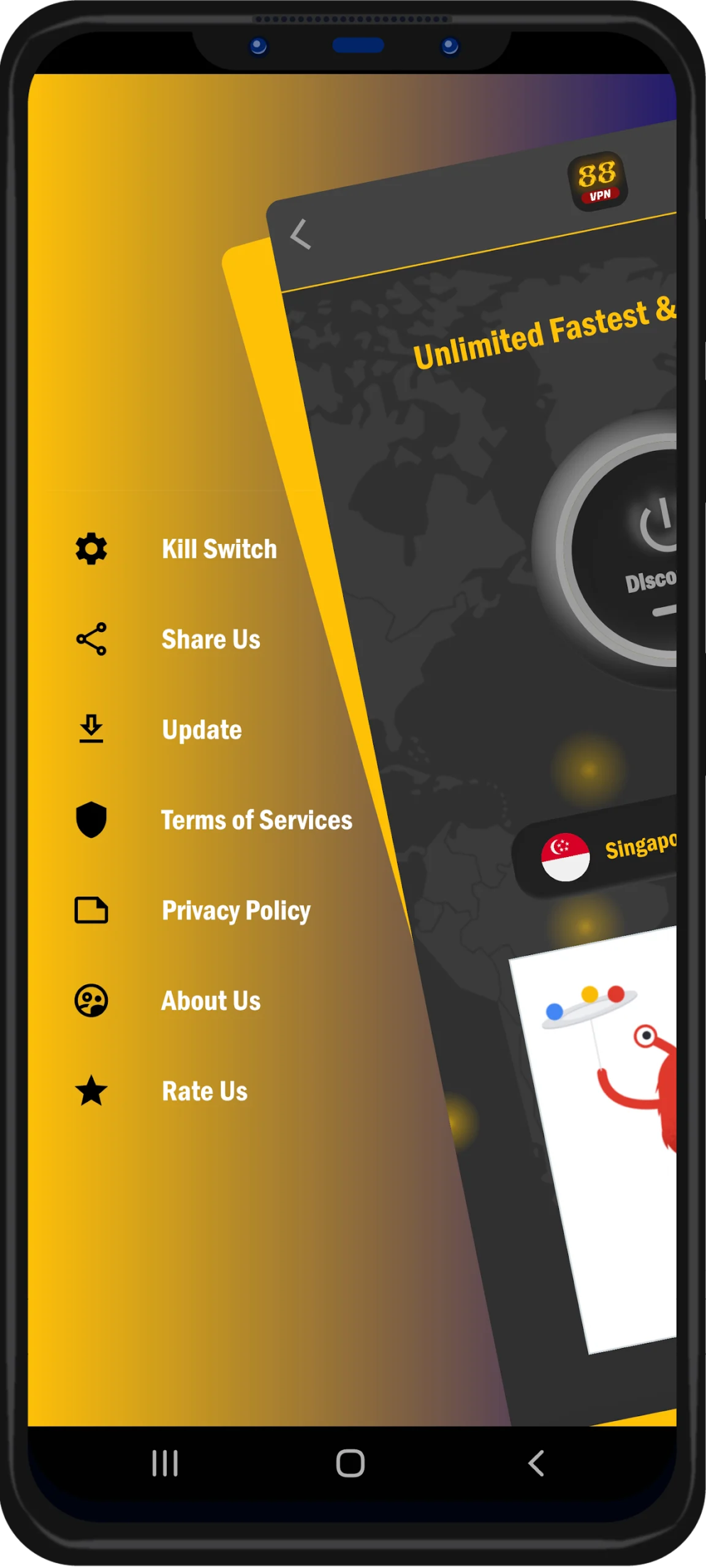
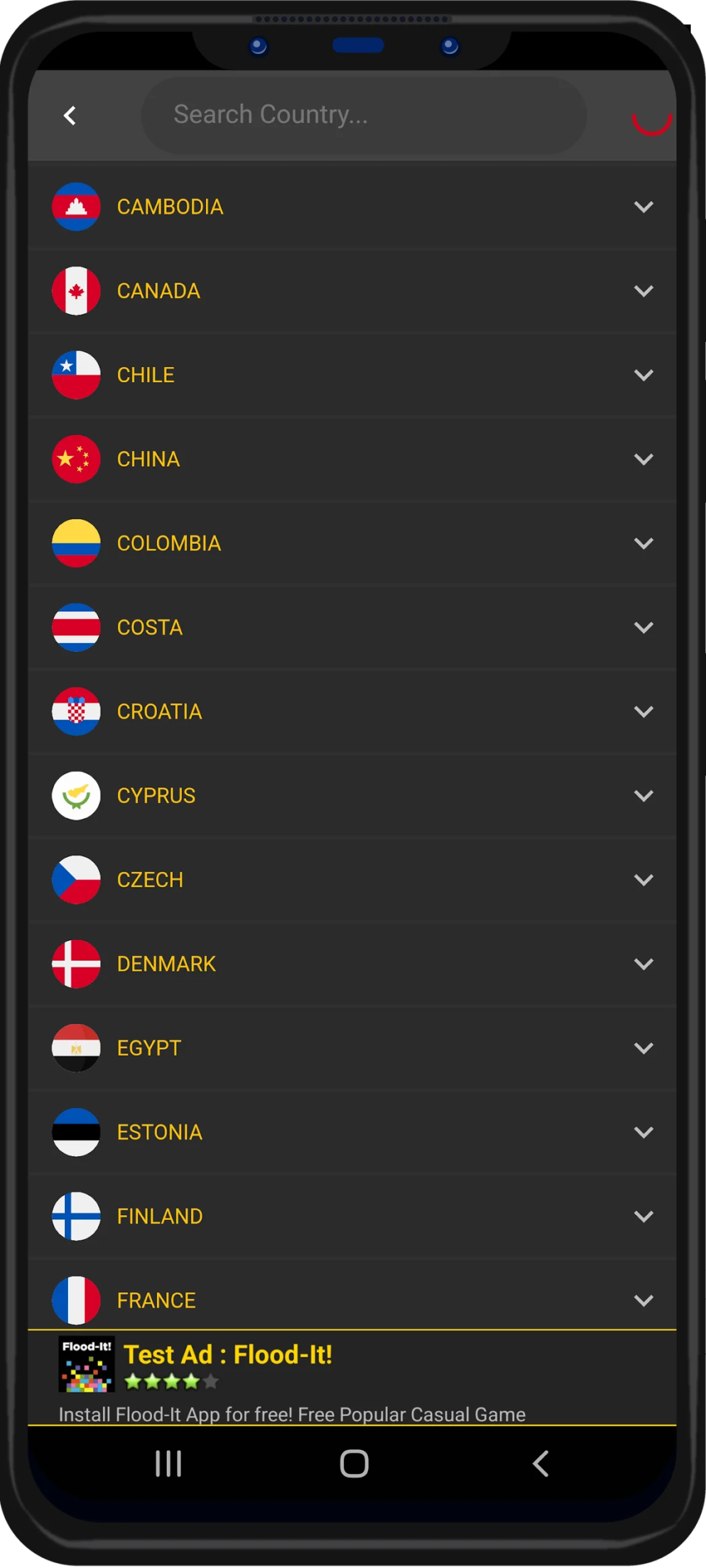
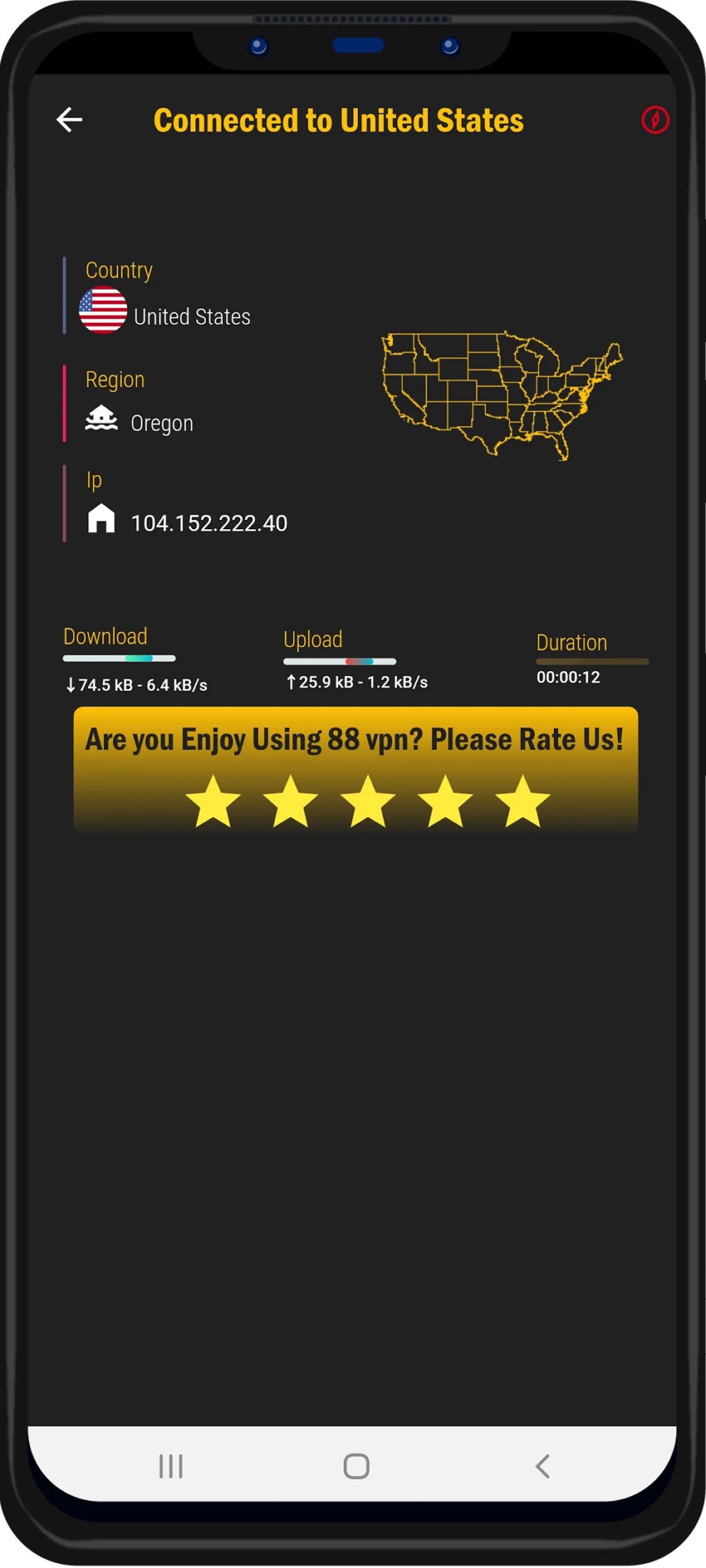
What's new
Version 2.0.1 is the newest build on APKBlade, updated 27 April 2025.
"Get online protection with 88 VPN app: Quick, safe, and free unlimited VPN connection for Android phones!"
Do you want to search the internet without worry? No problem! Now we will learn about 88 VPN. It is an app that can help. 88 VPN says it can keep you private online and remove limits on where you go. It wants to be your best helper as you use the internet.
88 VPN: Your Gateway to Secure and Unlimited Internet
Nowadays with the internet, data breaches and worries about privacy happen a lot. A good Virtual Private Network (VPN) is important. 88 VPN comes to help, giving both free and paid services. This keeps what you do online private and without limits.
What is 88 VPN?
88 VPN is an app for phones. It makes your internet connection private and secure. It is like a secret tunnel that hides what you do online. No one can see the sites you visit or track what you do. This app has lots of tools to help you use the internet. It is not a normal VPN. It has many features to do what you need online.
Key Features of 88 VPN
- Free VPN Hotspot without spending: With 88 VPN, you can use a VPN without cost. It’s great for those who need help always but don’t want to pay for a top VPN.
- Secure VPN Proxy: The app ensures that your data is encrypted and your online identity is masked. This means you can surf the web without worrying about hackers or ISPs snooping on your activities.
- Unblock Websites: Have you ever felt frustrated because you could not get to a website because of rules about where you live? 88 VPN lets you get around those blocks. It gives you the freedom to explore the internet without limits.
- User-Friendly Interface: The app is designed with simplicity in mind. You don’t need to be a tech wizard to navigate through its features. A few taps and you’re ready to go!
- Fast Connection: Slow internet can ruin online activities, particularly when streaming or downloading things. 88 VPN provides a quick and steady connection, making sure a smooth experience online.
How to Use 88 VPN
Using 88 VPN is as simple as can be. Here are quick steps to get you going:
1. Get the 88 VPN app from the Google Play Store or another safe place like Uptodown.com.
2. Install the app on your Android device.
3. Open the app, then choose which server you want to connect to.
4. Click the connect button and wait for the app to make a safe internet connection.
5. Once connected, you can minimize the app and start surfing the internet without worry.
Why Choose 88 VPN?
There are many VPN choices on the internet, but 88 VPN is different for a few reasons:
- It doesn’t cost anything, which is good for people without much money to spend.
- The app does not slow down, giving an internet experience without lag or delay.
- It provides many different servers, allowing you to connect from different places around the world.
- The app creators, Shwe Developer Group, are dedicated to user privacy and often update the app to make sure it is very secure.
Is 88 VPN Safe?
Your safety is important when using VPNs. With 88 VPNs, you can feel safe. The app uses very strong encryption to keep your information private from hackers and other people. Also, it has a strict no-notes policy, which means what you do online is not written down or saved anywhere.
Conclusion
Online privacy is always at risk. 88 VPN can help. It offers secure browsing, access to websites, and protection for what you do online. Whether you use the internet some or a lot, 88 VPN is what you need to stay safe and free online.
So, why wait? Get 88 VPN today and use the internet like never before – faster, safer, and without any limits. Have fun browsing!
More About 88 VPN
| Name | 88 VPN |
|---|---|
| Package Name | com.secure.vpn88 |
| Category | Tools |
| Version | 2.0.1 |
| Size | 20.6 MB |
| Last Updated | 27 April 2025 |
How to Install 88 VPN
- Tap the download button and let the file finish.
- Open the file from your notifications or the Downloads folder.
- If Android asks, allow your browser to install unknown apps.
- Tap Install, then open the app.
This download is a XAPK file. Follow the XAPK install guide.
FAQ'S
How to install 88 VPN .xapk?
Simply download this XAPK Installer from Play store - Download. Open the XAPK Installer app & follow on screen instructions to install the XAPK.
I am getting Play Protect warning while installing!
Some mod APK files might get a warning. You can ignore this warning and install the APK file. Follow these simple steps to turn off Play Protect: Open Google Play app > Click Profile Icon > Select Play Protect -> Setting > Turn off both "Scan apps with Play Protect" and "Improve harmful app detection" options.
How to update APK without losing the data?
To update APK without losing the data, you don't need to follow anything extra. Click on the downloaded APK file and click the "Install" button. The app will update automatically without loss of data.
How to fix problems while installing/opening?
Make sure you have downloaded the file correctly. The downloaded file extension must end with .apk file. If you face any package install error, redownloading the file may fix the issue.


















Ratings and reviews
There are no reviews yet. Be the first one to write one.